Tracking dependency by using Delivery Plans
A delivery plan shows the scheduled work items by sprint (iteration path) of selected teams against a calendar view. Use the Delivery Plans feature to ensure that your teams are aligned with your organizational goals. You can view multiple backlogs and multiple teams across your whole account.
-
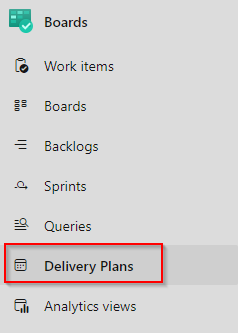
Navigate to the Delivery Plans section under Boards
-
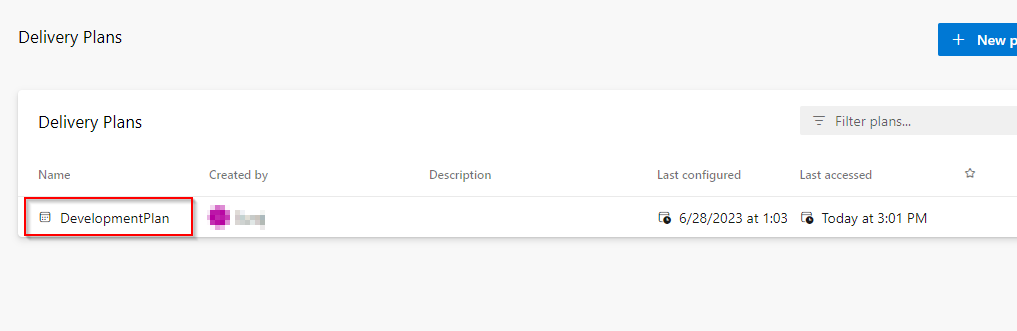
Click on the DevelopmentPlan
-
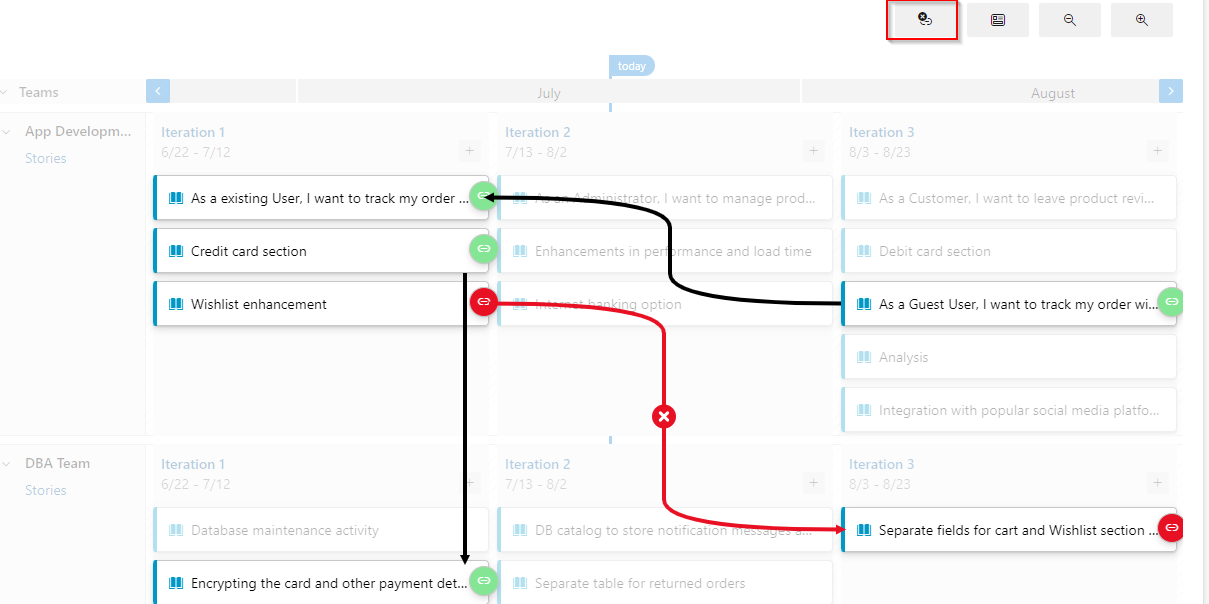
This will show you the User Story against the Iteration view of both the App Development Team and DBA Team.
-
Click on the first icon on the top right which will show all the dependencies within the User Stories.
-
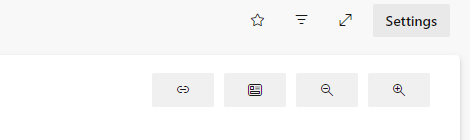
Click on Settings
-
Select the Markers option, choose a date exactly after a month and provide a name as Client Presentation Save

-
This will create a marker with the provided name in the board view, which will help to plan the delivery.

Note: For learning Delivery Plans in detail you can Access this separate detailed lab